

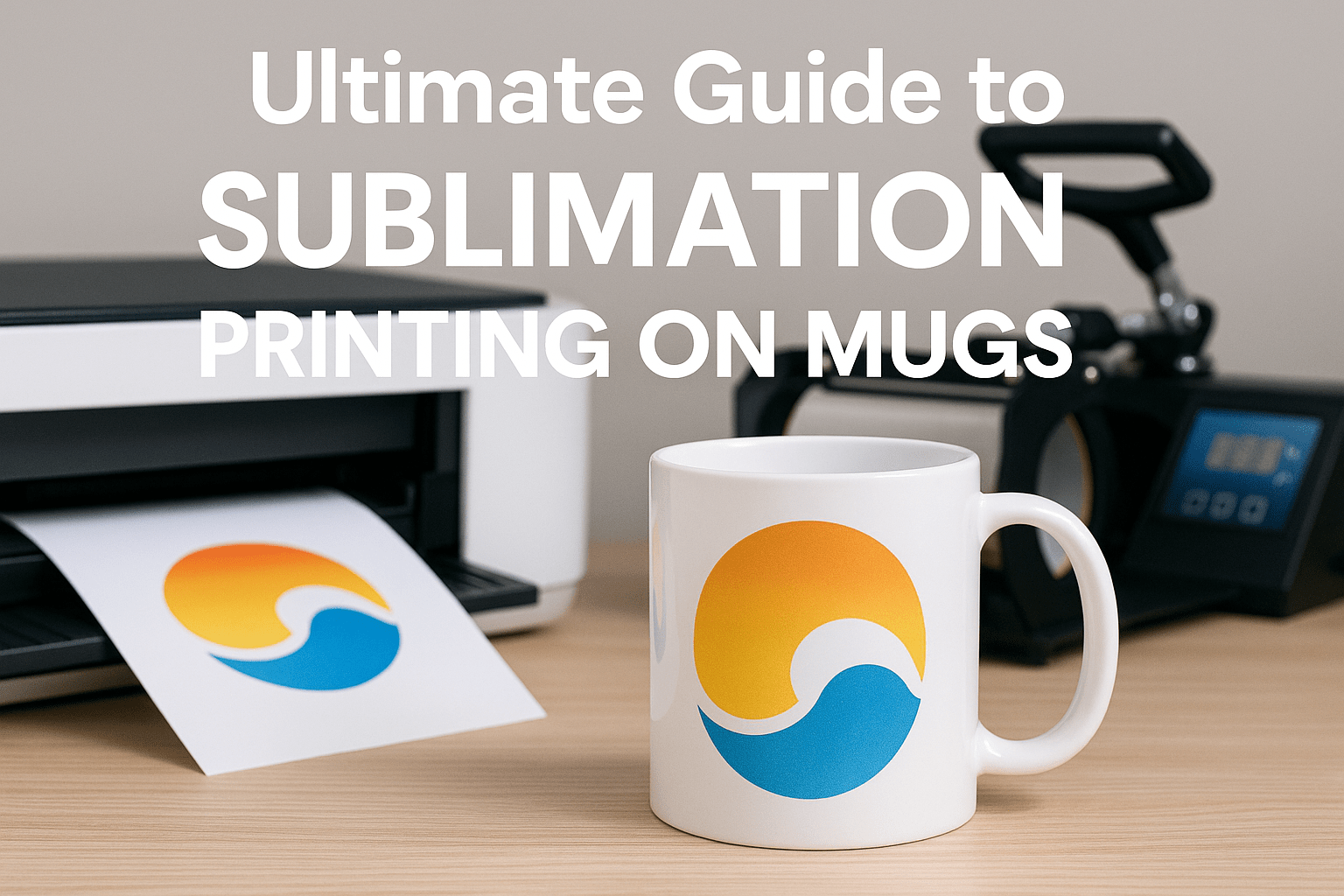
A Complete & Ultimate Guide to Sublimation Printing for Beginners, Hobbyists & Small Businesses
Sublimation printing on mugs has grown into one of the most profitable and accessible customisation methods for small craft businesses, print studios, and personalised-gift creators. Its strength lies in vibrant, permanent prints that won’t peel, crack, or fade — even after hundreds of washes.
This cornerstone guide walks you through every stage of the sublimation mug-printing process, including equipment requirements, artwork preparation, print settings, pressing techniques, troubleshooting, and optimisation tips for professional-quality results.
⭐ What Is Sublimation Printing?
Sublimation printing is a method where specially formulated sublimation inks transform from solid → gas → solid without becoming a liquid. When heated inside a mug press, the ink infuses directly into the polymer coating of a sublimation-ready mug.
Why Sublimation Works So Well on Mugs
- Produces permanent, dishwasher-safe designs
- Allows photo-quality prints
- Enables full-wrap graphics around the mug
- No texture — the print becomes part of the surface
- Fast and scalable for business use
🧰 Equipment You Need for Mug Sublimation
1. Sublimation Printer
Common beginner-friendly options include:
- Epson EcoTank models converted for sublimation
- Sawgrass SG500/1000 (purpose-built)
2. Sublimation Ink
Only sublimation ink will sublimate; regular ink will not transfer.
3. Sublimation Paper
High-quality paper prevents bleeding and gives sharper results.
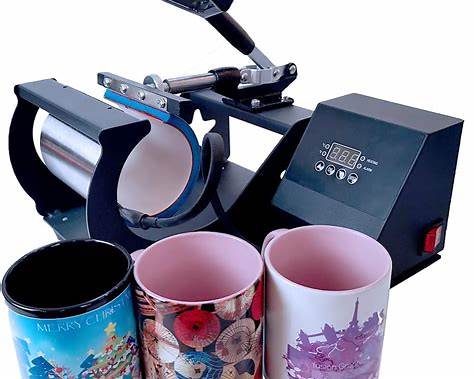
4. Heat Press for Mugs
Two main types:
- Clamp-style mug press (common for most makers)
- Convection oven designed for sublimation
5. Heat-resistant Tape / Adhesives
Prevents design shifting during pressing.
6. Sublimation-Coated Blank Mugs
Mugs must have a polymer coating; standard ceramic mugs do not work.
Optional Tools
- Heat gloves
- Teflon sheets
- Mug wrap bands (for oven method)
- Heat-resistant pads
🎨 Preparing Artwork for Sublimation Mugs
1. Choose the Right Colour Profile
Use RGB (preferably sRGB) — sublimation inks are optimised for it.
2. Set the Canvas Size
Standard sublimation mug wrap template for 11oz mug:
- Width: 20–21 cm (8–8.25 inches)
- Height: 9–10 cm (3.5–4 inches)
OR follow your mug press manufacturer’s template.
3. High-Resolution Images
Aim for 300 DPI to maintain sharpness.
4. Soft-Proofing
Most sublimation printers push colours more vibrant than screens show; soft-proof or run test prints before launch.
🔧 Step-by-Step Guide: How to Sublimate a Mug
STEP 1 — Print the Design
- Mirror your artwork
- Select High Quality or Photo print mode
- Use appropriate sublimation paper setting
- Allow the print to fully dry before handling
Top tip:
Let prints dry at least 10 minutes to avoid smudging.
STEP 2 — Prepare the Mug
- Clean the mug with alcohol or lint-free cloth
- Avoid fingerprints — oils cause uneven transfer
- Ensure mug is completely dry
STEP 3 — Position and Tape the Design
- Wrap the printed design tightly around the mug
- Tape from the edges inward to remove air bubbles
- Ensure no gaps between paper and mug
Top tip:
Use heat-resistant tape sparingly — too much can cause pressure issues.
STEP 4 — Set Up the Mug Press
Most mug presses use settings in this range:
| Mug Size | Temp | Time | Pressure |
|---|---|---|---|
| 11 oz | 180–200°C (356–392°F) | 160–210 sec | Medium–Firm |
| 15 oz | 180–200°C | 180–240 sec | Medium–Firm |
Always check your machine’s manual — settings vary.
STEP 5 — Press the Mug
- Insert mug into preheated press
- Lock it into place
- Allow the timer to run fully
- Carefully remove using heat gloves
STEP 6 — Remove Transfer Paper
- Peel paper away while still hot (unless using adhesive sheets requiring cold peel)
- Place mug on heat-resistant pad
- Let cool naturally
- Admire your permanent, vibrant print!
💡 Pro Tips for Professional Sublimation Results
- 🔸 1. Pressure Matters – Insufficient pressure leads to faded areas; too much causes ghosting.
- 🔸 2. Test Your Heat Press Regularly – Hot spots can ruin the edges of transfers.
- 🔸 3. Avoid Moisture – Humidity affects sublimation ink and paper. Store both in a sealed environment.
- 🔸 4. Use Bleed Areas – Extend backgrounds beyond trim lines to avoid white gaps.
- 🔸 5. Wrap Mugs Consistently – If scaling production, use jigs/templates for exact placement.
- 🔸 6. Remove Moisture from Mugs Before Pressing – A quick pre-press for 5–10 seconds can help eliminate moisture.
🧪 Common Problems & How to Fix Them
❌ Faded Prints
Causes:
- Low temperature
- Short press time
- Wrong paper side printed
- Moisture in mug/paper
Fix:
Increase time/heat slightly; pre-press mug; check printer settings.
❌ Blurry or Washed-Out Images
Causes:
- Design not fully dry
- Excessive pressure
- Low-resolution artwork
Fix:
Allow full drying; adjust press pressure; re-export artwork at 300 dpi.
❌ Ghosting / Shadowing
Causes:
- Paper shifted during pressing
- Too much or too little tape
- Mug not held firmly
Fix:
Tape securely, ensure consistent pressure, wrap paper tightly.
❌ Uneven Colour (Hot Spotting)
Causes:
- Uneven heat distribution
- Mug not centred in press
Fix:
Rotate mug halfway through pressing (for some presses) or adjust heater pad.
📦 Scaling Up: Sublimation Mug Business Tips
- 1. Batch Print & Press – Group similar colours/designs to minimise adjustments.
- 2. Offer Customisation Options – Names, photos, occasions = higher margins.
- 3. Create Mockups – Use digital mockups for online listings, reducing sample waste.
- 4. Maintain a Clean Workflow – Dust, oils, and fibres can create print defects.
- 5. Track Your Best-Selling Designs – Optimise production around proven styles.
🧾 Sublimation Printing FAQs
Can I use any ceramic mug for sublimation?
No. The mug must be polymer-coated for sublimation inks to bond.
Are sublimated mugs dishwasher safe?
Yes — they’re highly durable and resistant to fading.
Do I need a special printer for sublimation?
Yes. You must use a sublimation-capable printer with sublimation ink.
Is sublimation better than vinyl for mugs?
For durability, colour vibrancy, and longevity — yes.
🎉 Final Thoughts
Sublimation printing on mugs is one of the most reliable and accessible ways to create customised products with a professional finish. Whether you’re printing for your own craft shop, starting a personalised-gift business, or scaling up production, mastering the process is the key to consistent, vibrant, long-lasting results.